How to copy-paste screenshots into your remote agent!
Like many of you, I ssh/mosh into a remote computer to run all my coding agents so that they can be running anytime.
But we loose the nice screenshot, copy-paste workflow to point the agent at something. Thats what I built SSHot to solve.
SSHot is setup with a ssh host, the remote path you want images to SCP'ed into, and your SSH key (if not using the default one).
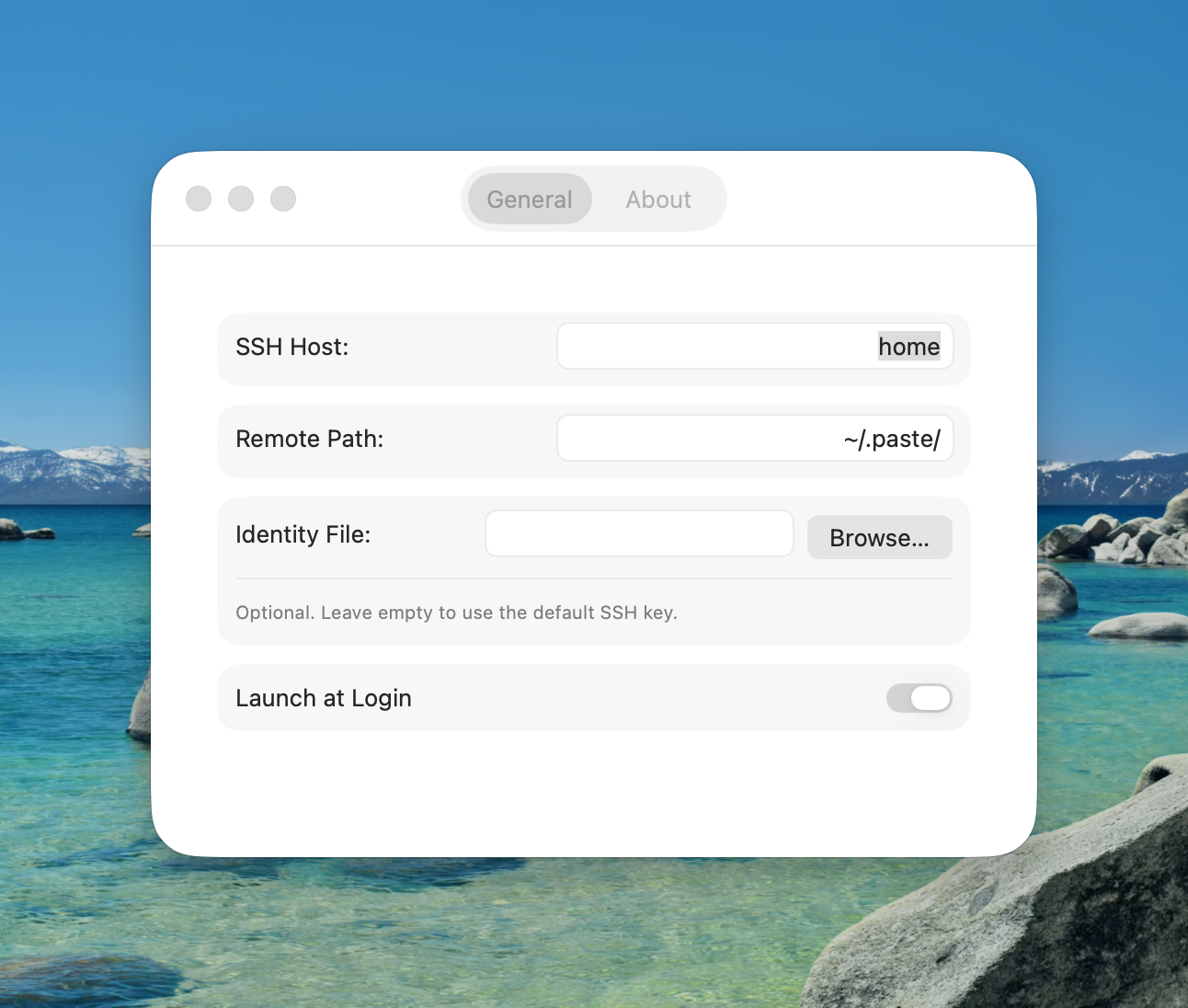
SSHot then detects images in your clipboard, automatically SCP's them over to that SSH host, and swaps out your clipboard with that images location:
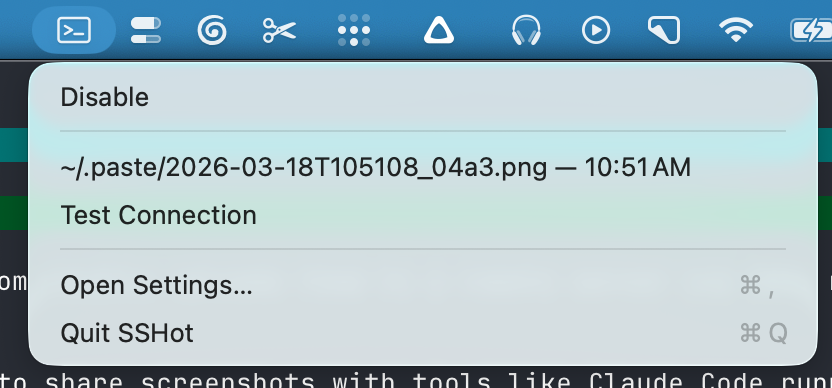
Then you can simply paste that image location into your coding agent and it will understand to look at that file.
Next step is to sign these builds so you dont need to unquarantine the install to open it and use it...